Billing, stock and accounts — everywhere you work
Make GST invoices in seconds, run your counter with POS, track stock and payments, and see 46 reports. Use it in the browser, on Windows and on your phone — and connect TallyPrime if your books live there.
Run the whole business, not just the bills
From the first invoice of the day to the GST summary at month end — sales, purchases, stock, money and reports work together.
GST invoices
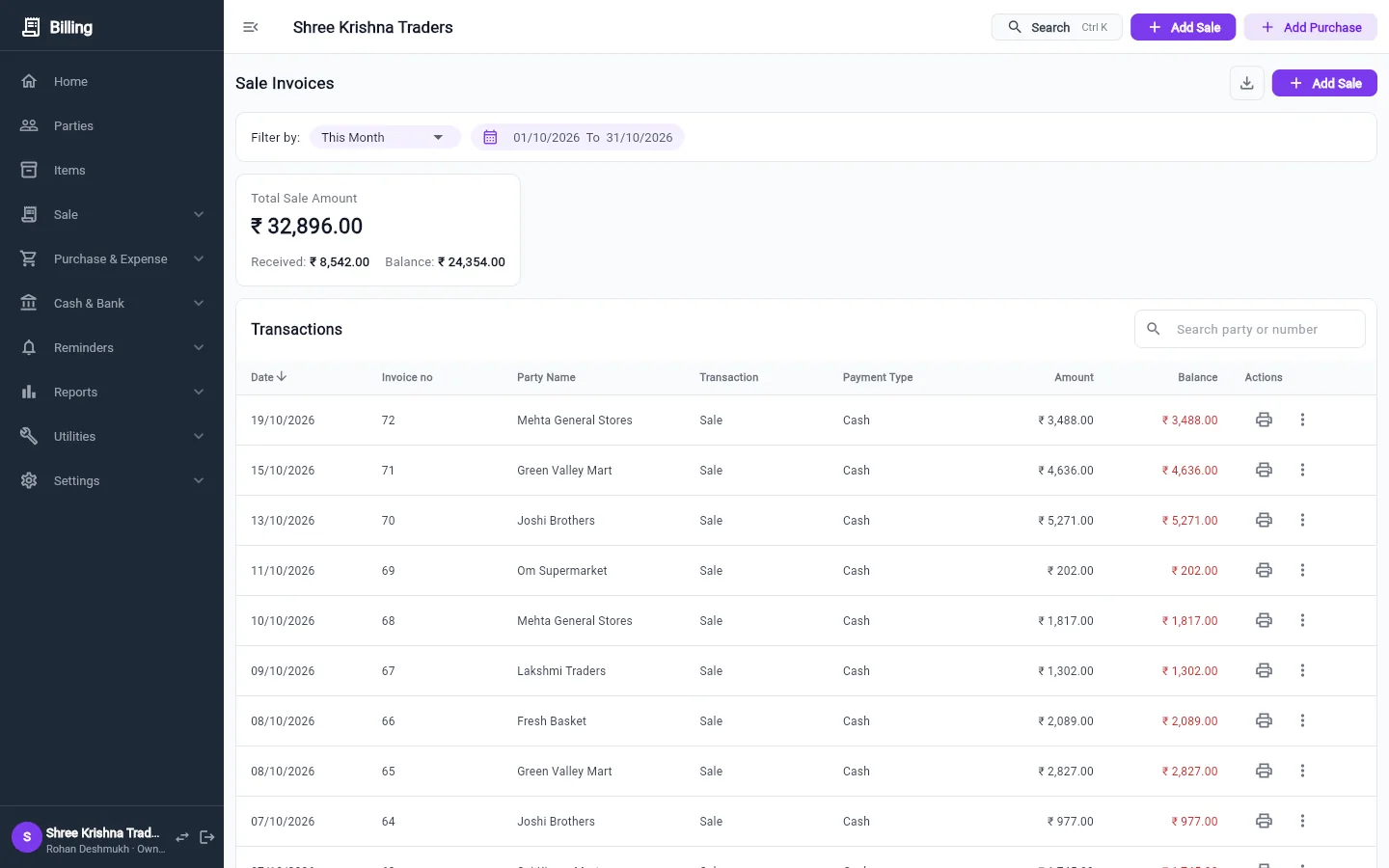
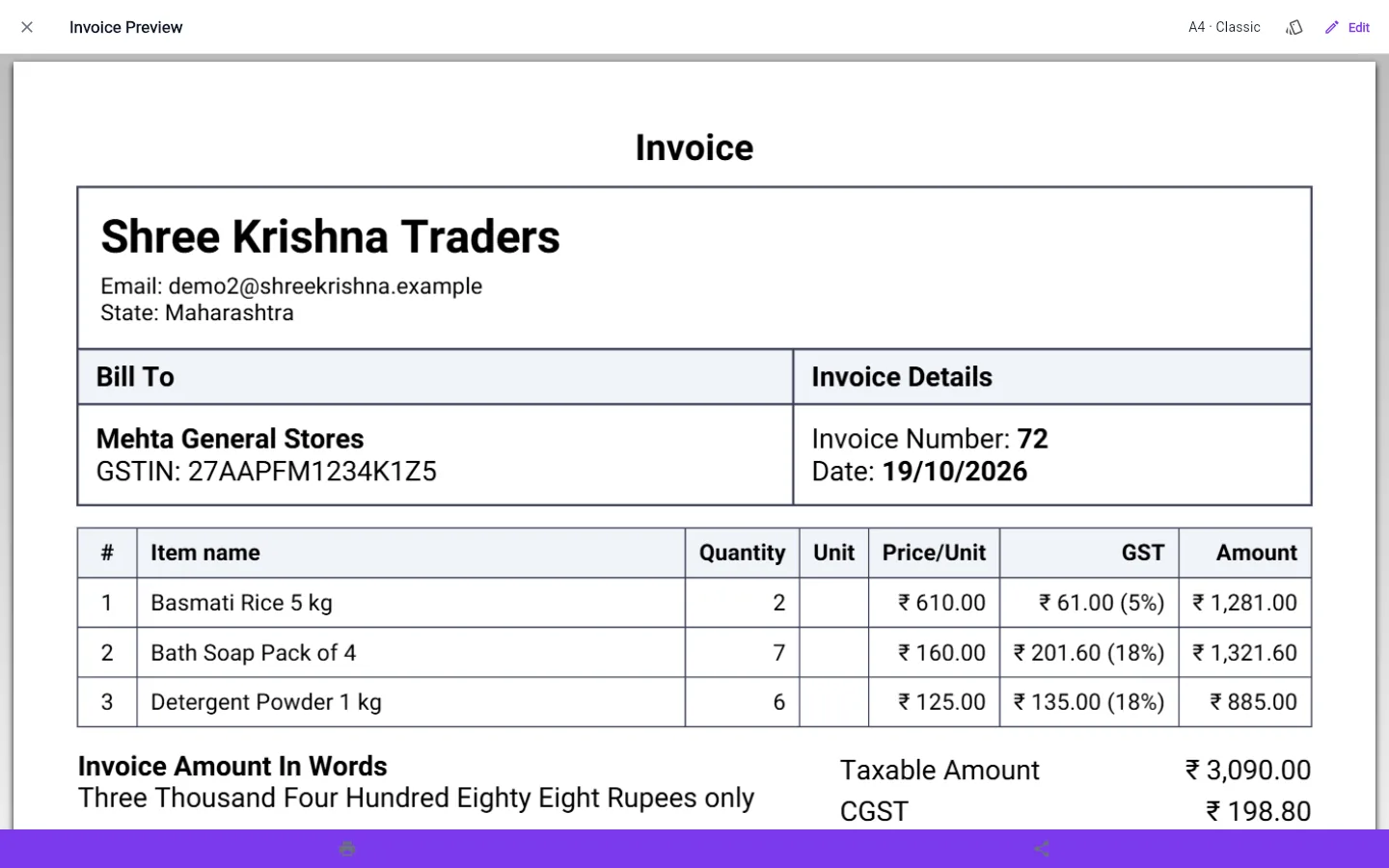
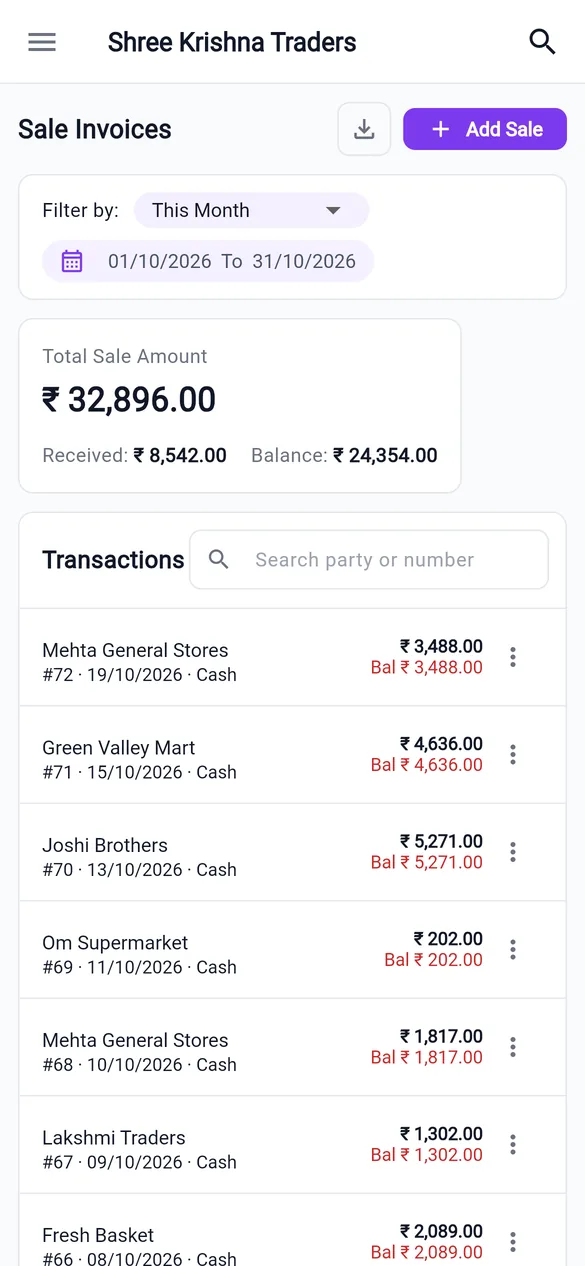
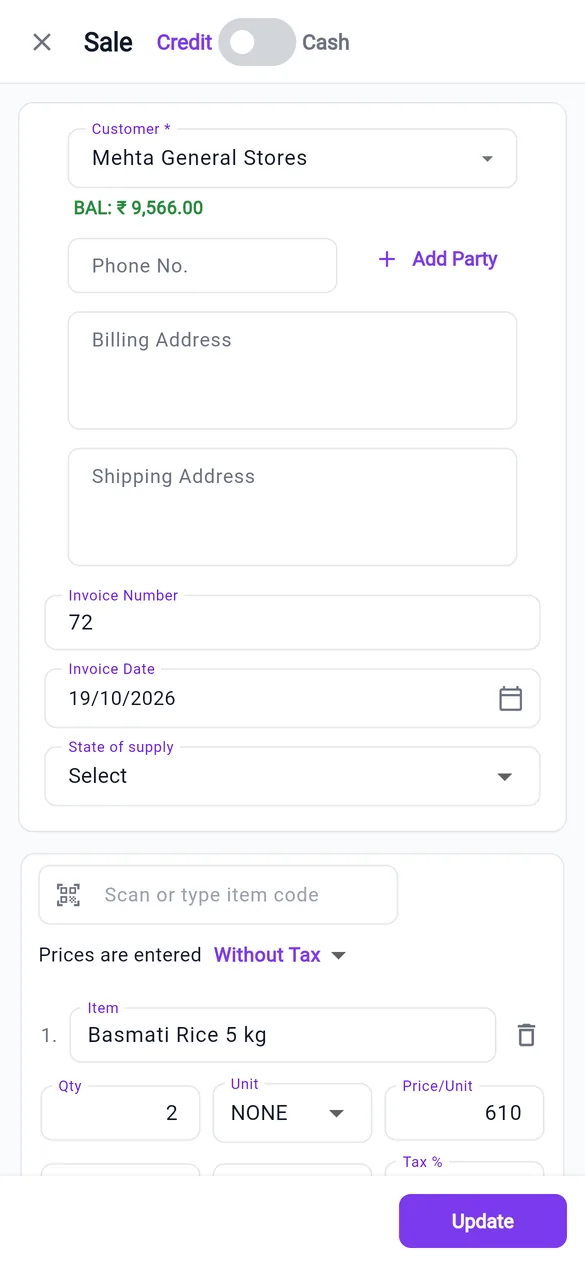
Sale invoices, estimates, orders, delivery challans, proforma and returns. CGST+SGST or IGST by place of supply, HSN and tax summary.
Fast POS counter
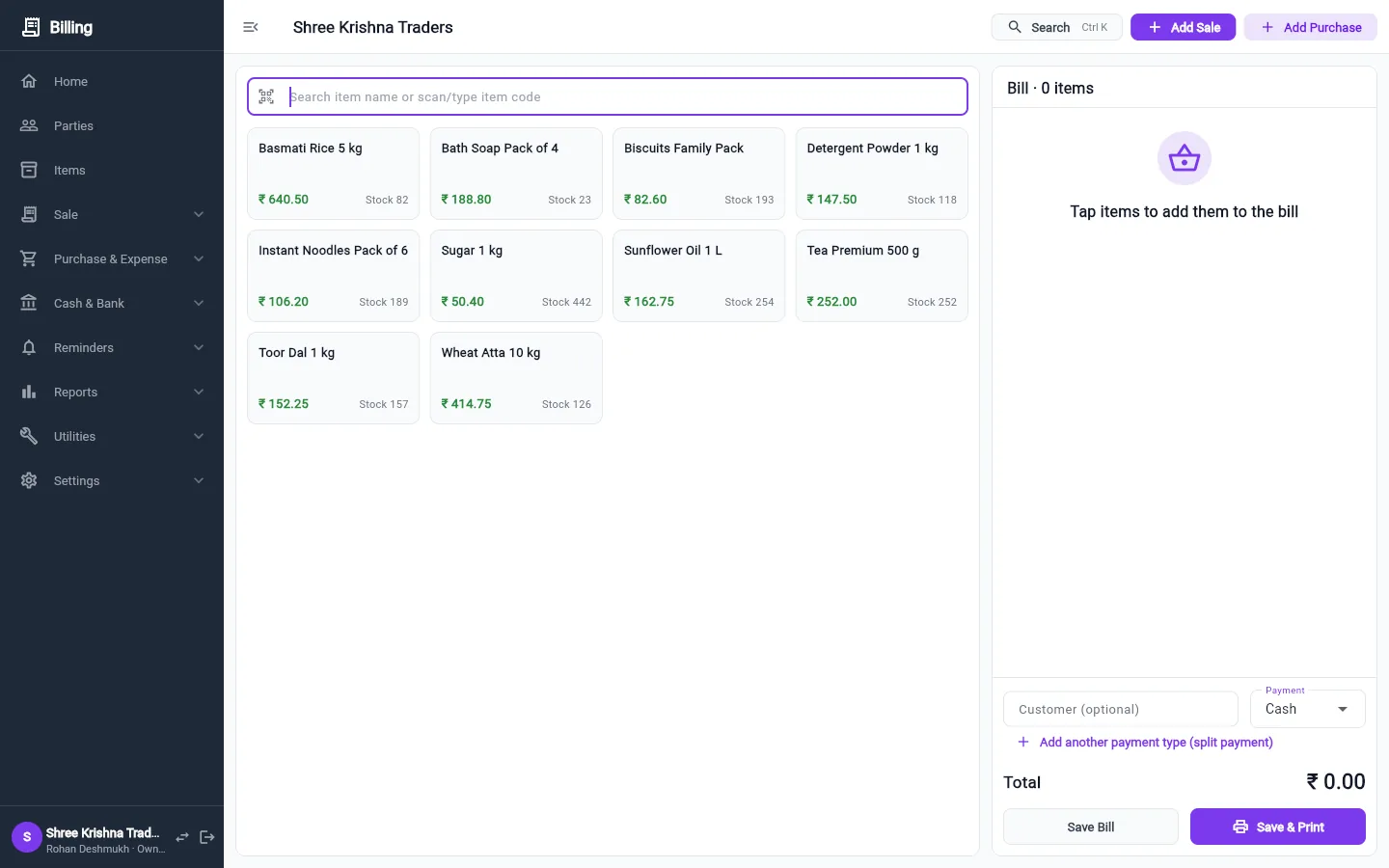
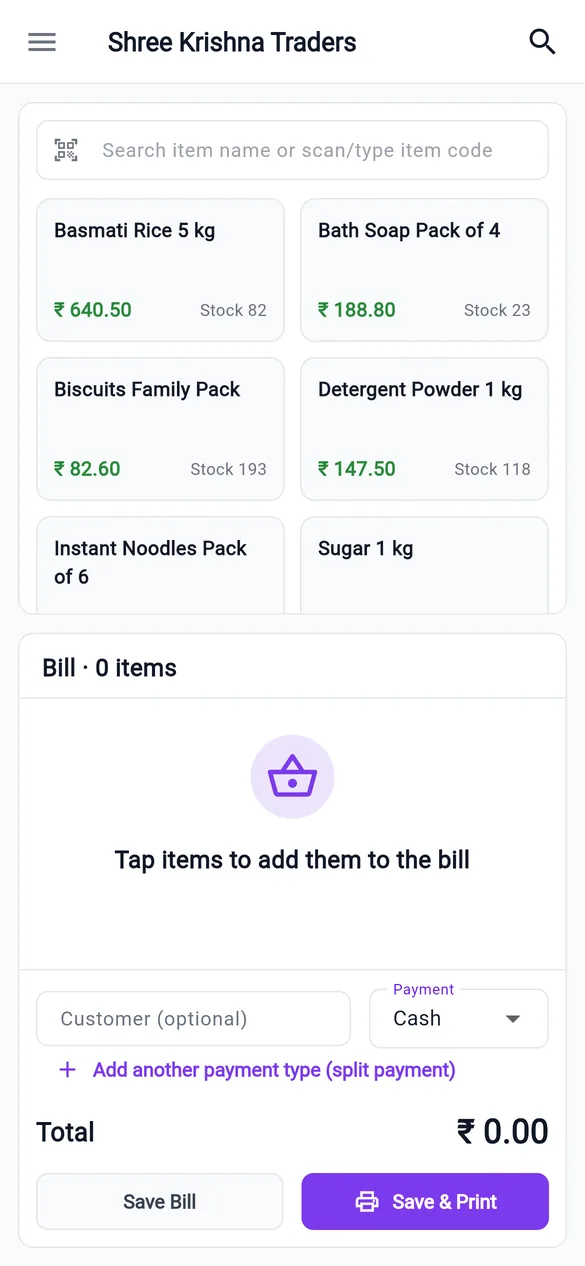
Tap or scan items, split payments, print 58/80 mm receipts straight to the printer. Keeps billing when the internet drops.
Stock & godowns
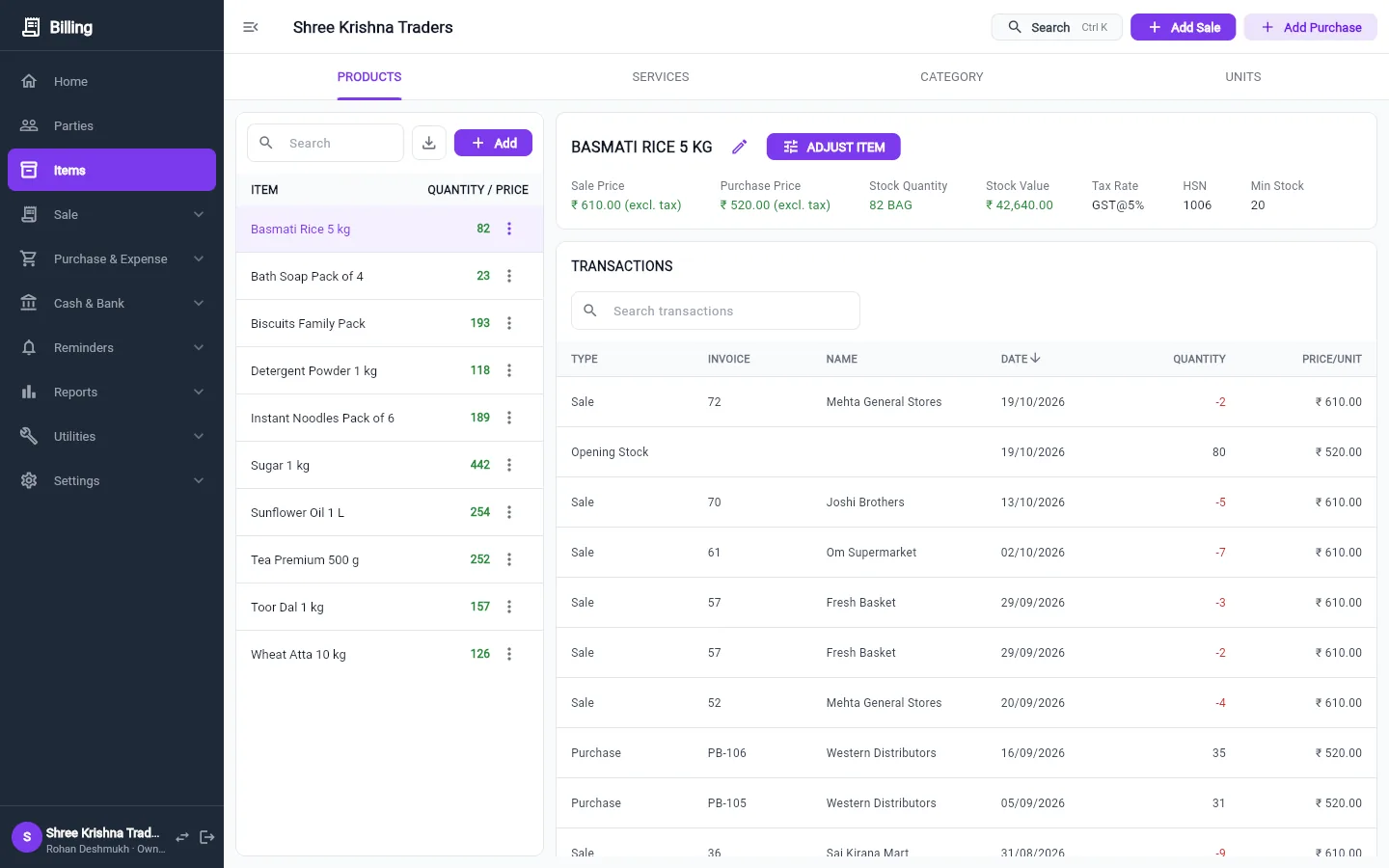
Live stock, low-stock alerts, godowns and transfers, batch, expiry, MRP and serial numbers, barcode label sheets.
Parties & reminders
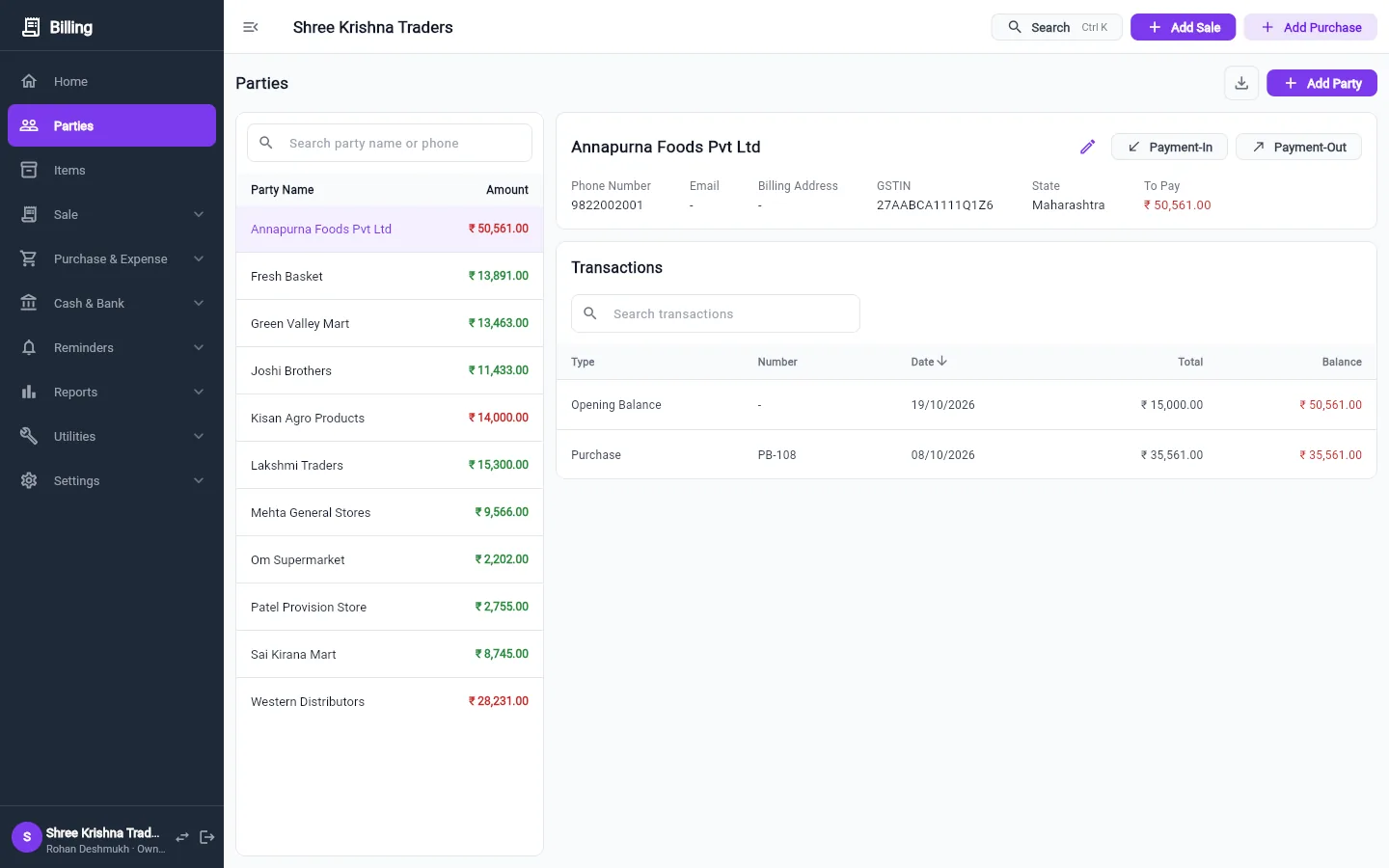
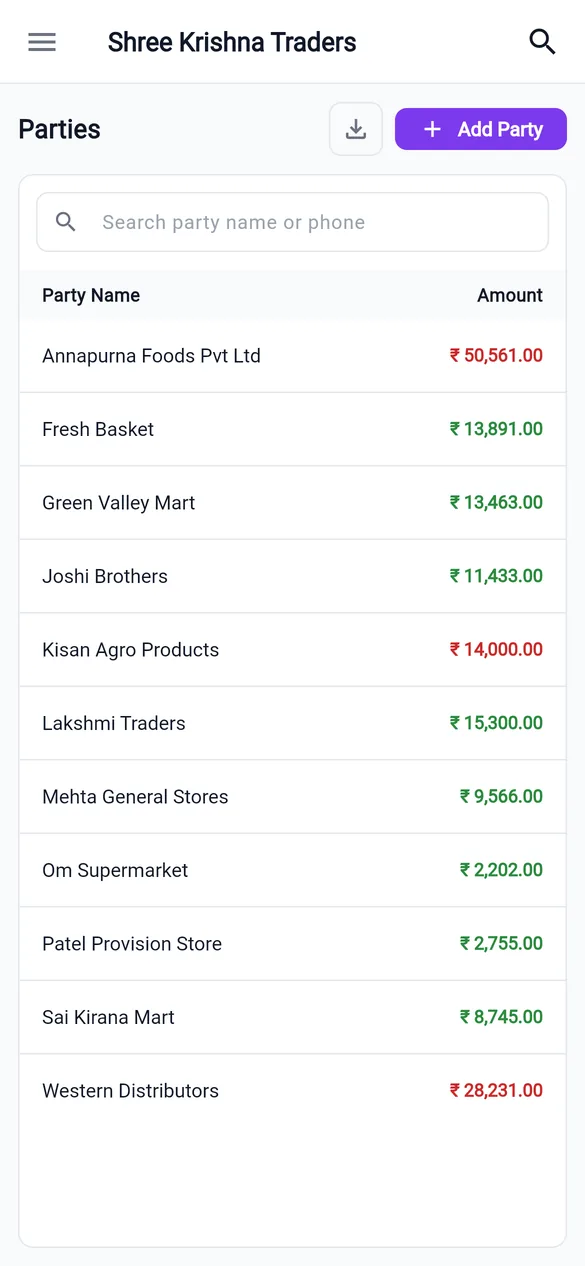
Customer and supplier ledgers with running balance, credit limits, ageing, and payment reminders by WhatsApp or SMS.
Cash, bank & loans
Payments in and out linked to bills, bank accounts, cheques, cash adjustments and loan accounts with EMI split.
46 reports
GSTR-1, GSTR-2, GSTR-3B, profit & loss, trial balance, day book, stock and party reports — export to CSV or print as PDF.
TallyPrime connector
Each Tally company becomes a company in the app. Sales and payments made here go back into Tally.
Users & security
Owner, admin, accountant and salesman roles, a PIN lock, several companies under one login, and backups to Google Drive.
Beautiful prints
Three invoice themes with your logo, signature, UPI QR and accent colour; e-invoice IRN and QR when you use it.
Clear screens that get out of your way
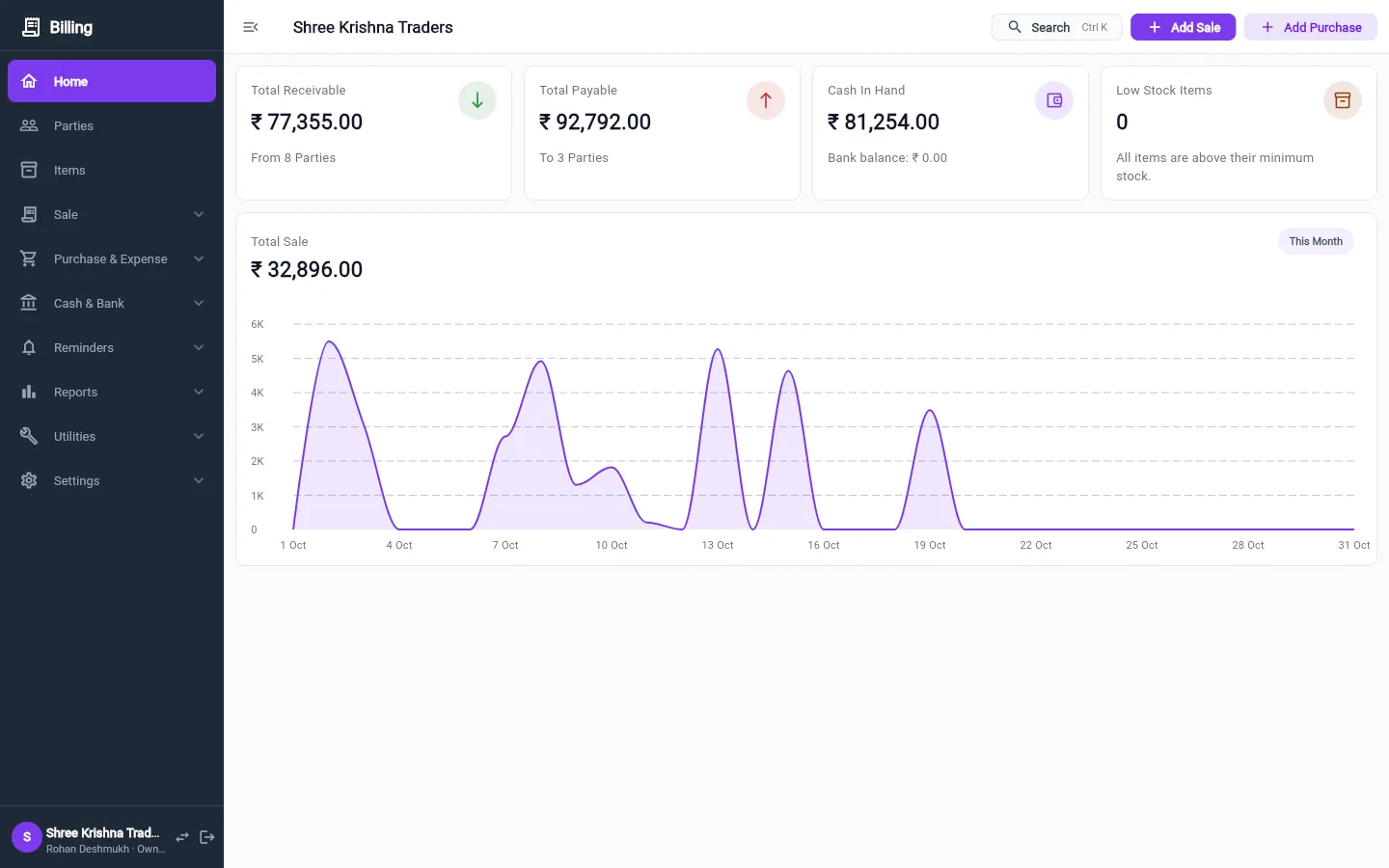
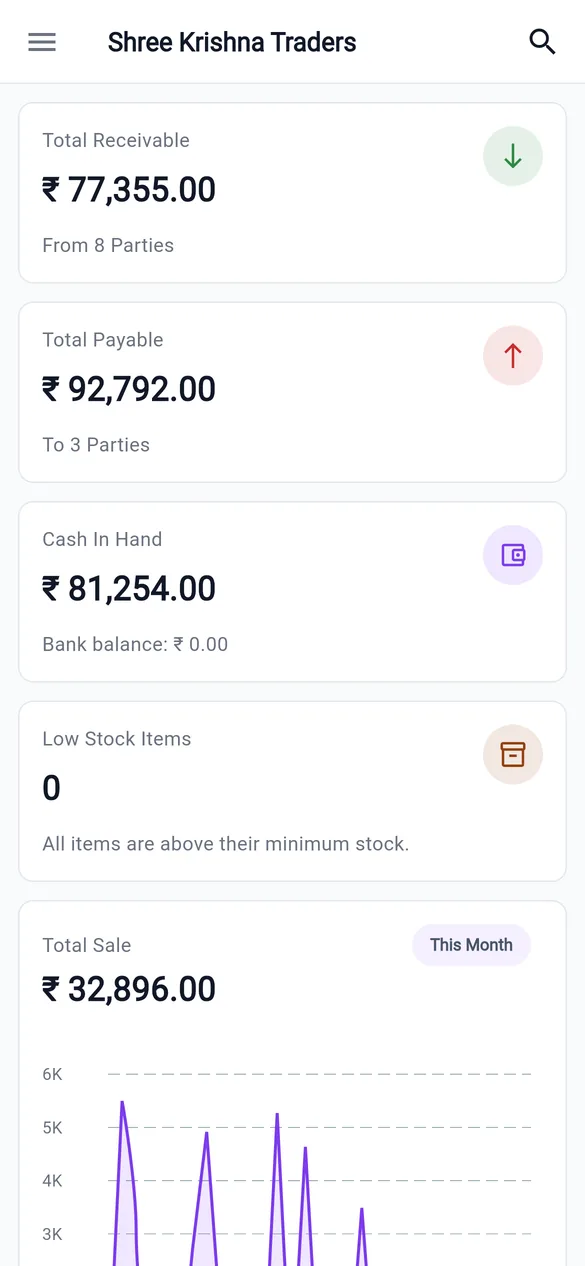
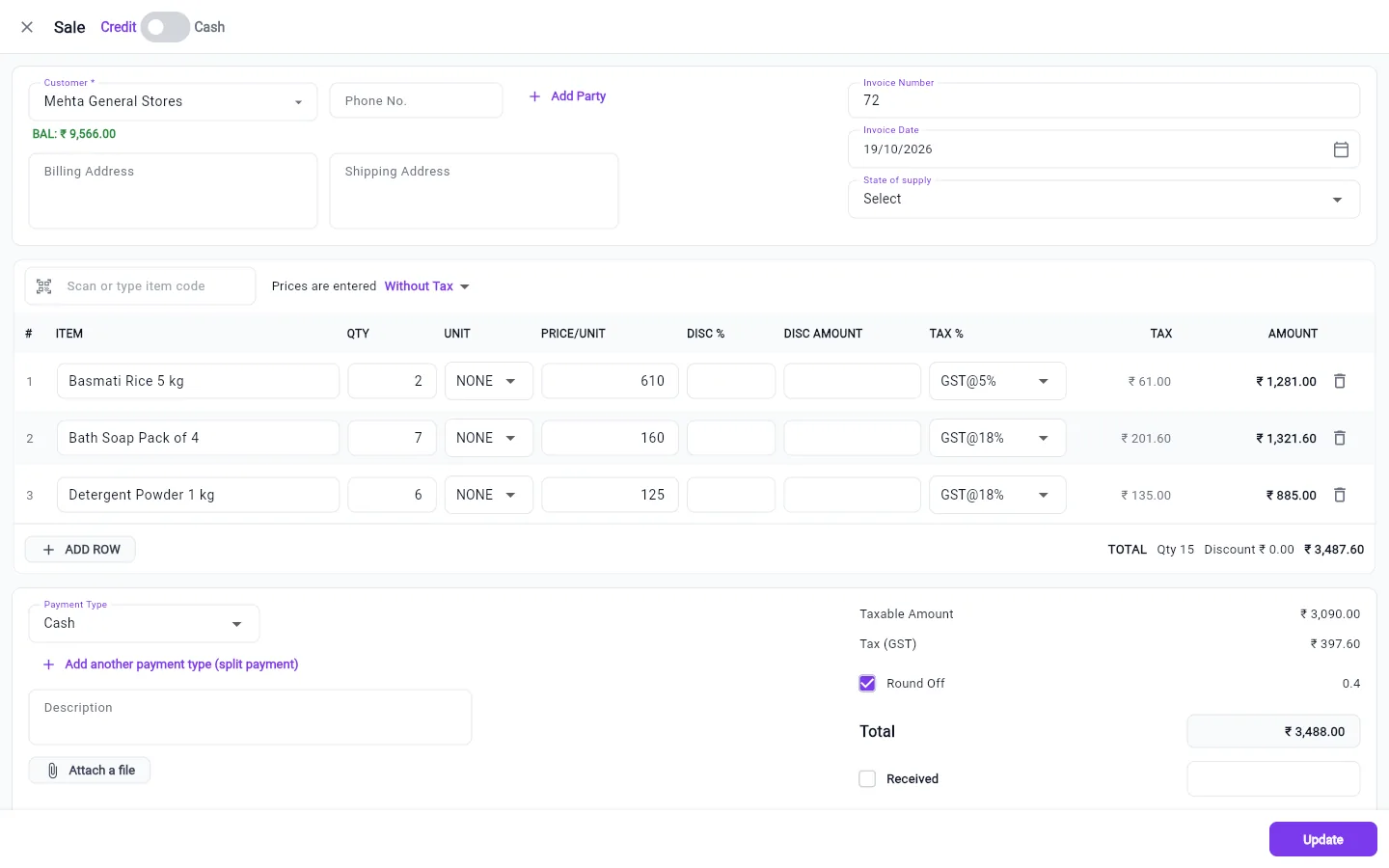
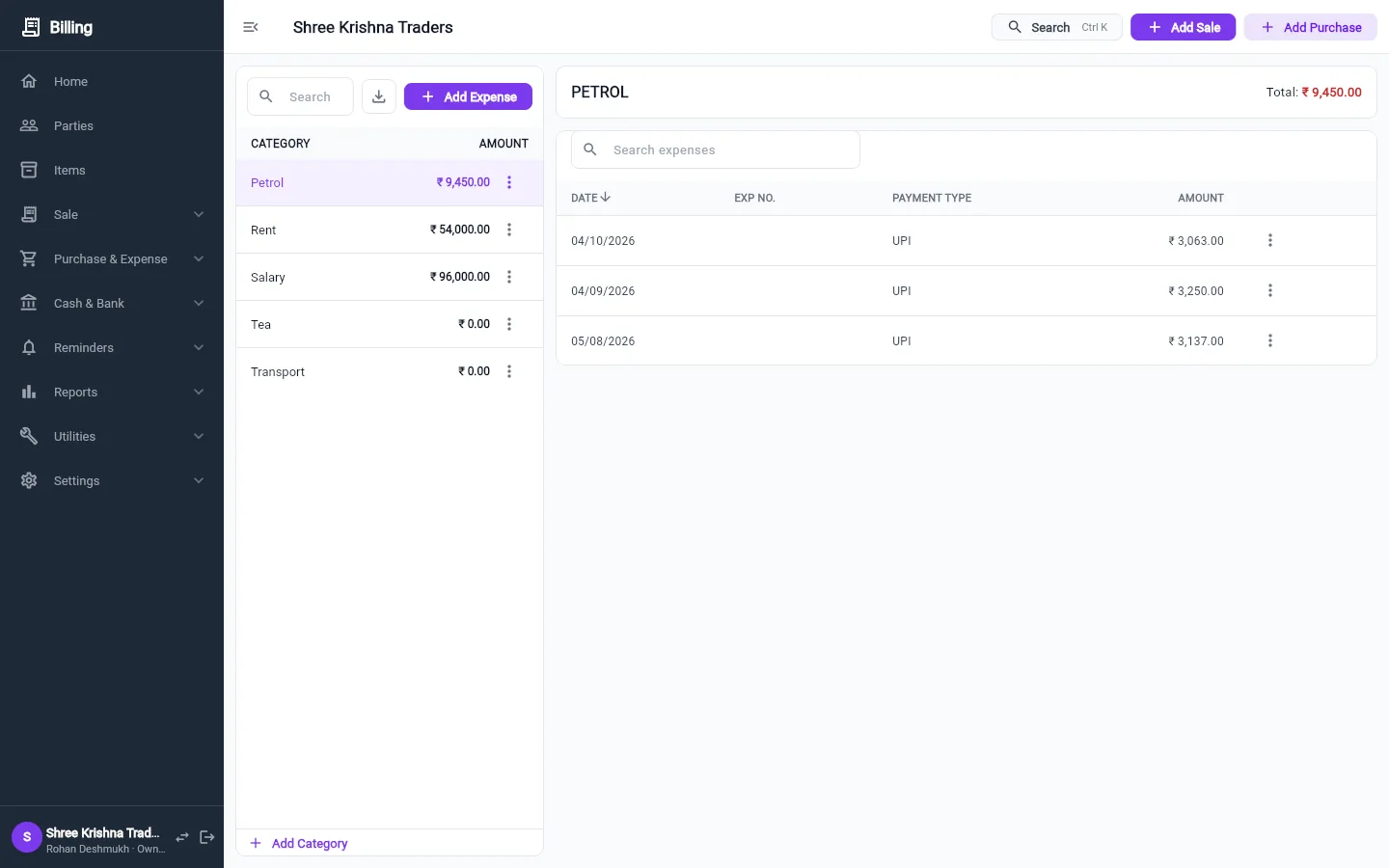
Real screens from the app, with a sample business. The same app runs in your browser, on Windows and on Android.
One account, every device
Sign in with the same email everywhere — your companies, invoices and stock are the same on every screen.
Windows app
For the counter PC: works offline, prints to receipt printers, and has the Tally connector built in.
Download for WindowsiPhone & iPad
Coming to the App Store. Until then, the web app works in Safari on iPhone and iPad.
App StoreYour Tally books, on the web and your phone
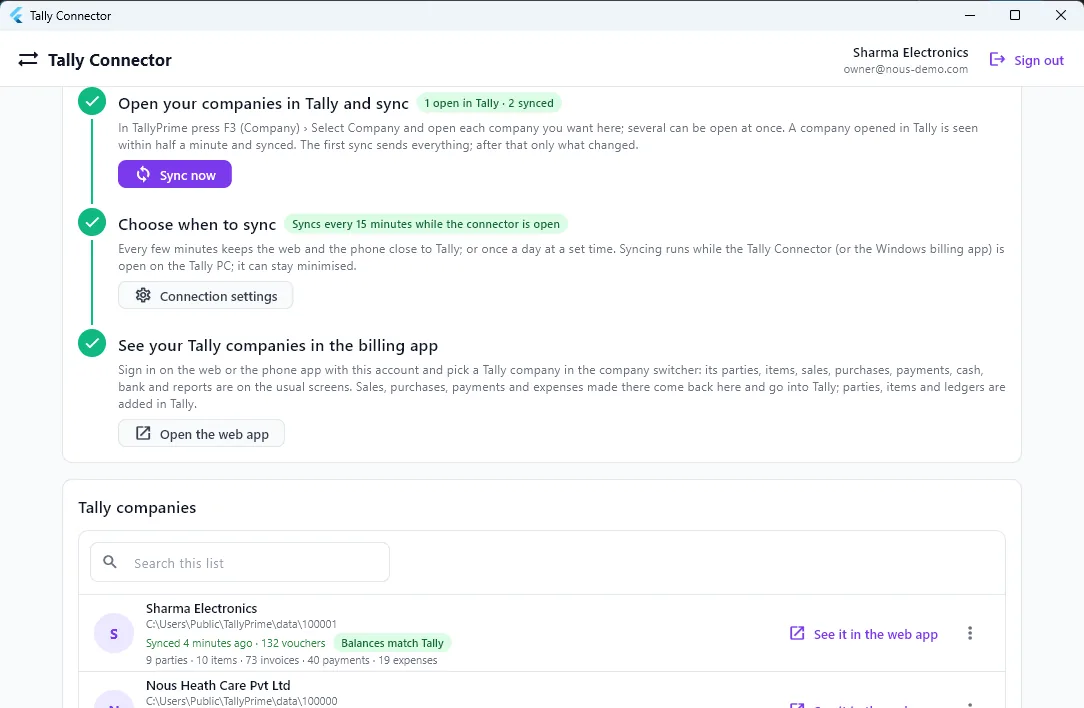
Install the small Tally Connector on the PC where TallyPrime runs. Every company you open in Tally becomes a company in the app — parties, items, sales, purchases, payments and stock, checked against Tally after every sync.
Download & sign in
Install the connector on the Tally PC and sign in with your account.
Let Tally answer
In TallyPrime: F1 › Settings › Connectivity, port 9000.
Open companies
Open them in Tally with F3. They sync within half a minute.
Work anywhere
Pick the Tally company in the app. Sales you make here go into Tally.
How to get started
Create your account
Sign up with your business name, state and email. The 7-day trial starts at once.
Add parties & items
Type them in, import from Excel or CSV, or bring them from Tally.
Make your first invoice
Pick the customer and items — GST, totals and round-off are worked out for you.
Share & get paid
Print, share on WhatsApp, record the payment, and watch it on the dashboard.
What business owners say
Questions, answered
Is there a free trial?
Yes. When you sign up, your business gets 7 days with everything switched on. Before it ends, contact us to choose a licence and keep going — your data stays as it is.
Does it work without internet?
The Windows and Android apps keep billing at the POS counter when the connection drops, and send the bills when it is back. The web app needs an internet connection.
Is it GST compliant?
Invoices carry GSTIN, HSN/SAC, place of supply and CGST+SGST or IGST. GSTR-1, GSTR-2 and GSTR-3B reports export to CSV and PDF, and the app prepares e-invoice and e-way bill files for the GST portal.
I use TallyPrime. Do I have to stop?
No. The Tally Connector brings each Tally company into the app and keeps it in sync, and sales, purchases, payments and expenses made in the app are sent into Tally. Tally stays your main set of books.
Can my staff use it?
Yes. Add users as admin, accountant or salesman. Salesmen see only their own parties and bills; accountants see the books but not your settings.
Can I manage more than one business?
Yes — several companies under one login, and you switch between them in a click.
Is my data safe?
Your data is stored on our server over HTTPS, separated per business, with automatic daily or weekly backups if you switch them on, optional copies to your own Google Drive, and a backup you can download at any time.
Start billing today
7 days free, everything included. No card needed.