Pick how you want to work
One account works everywhere. Start on the web, add the Windows app at the counter, take the Android app on the road, and connect TallyPrime if you use it.
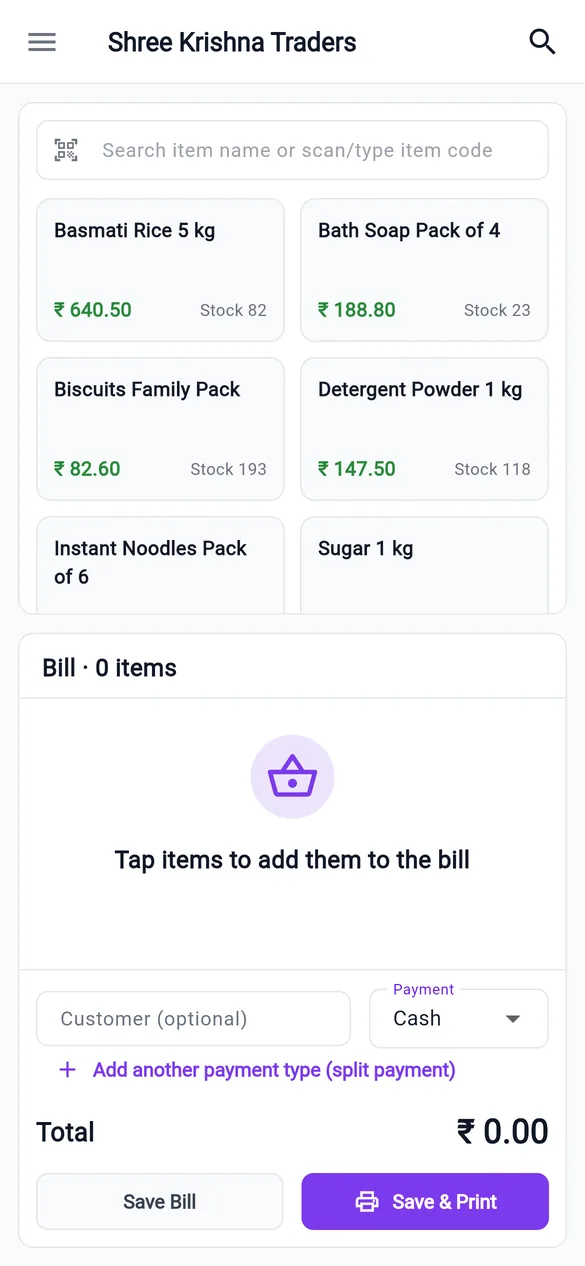
Open it anywhere
The full app in your browser — nothing to install, always the latest version.
- Works in Chrome, Edge, Firefox and Safari, on computers and tablets
- Every feature: billing, POS, stock, payments, reports, settings
- Print to receipt printers from Chrome or Edge
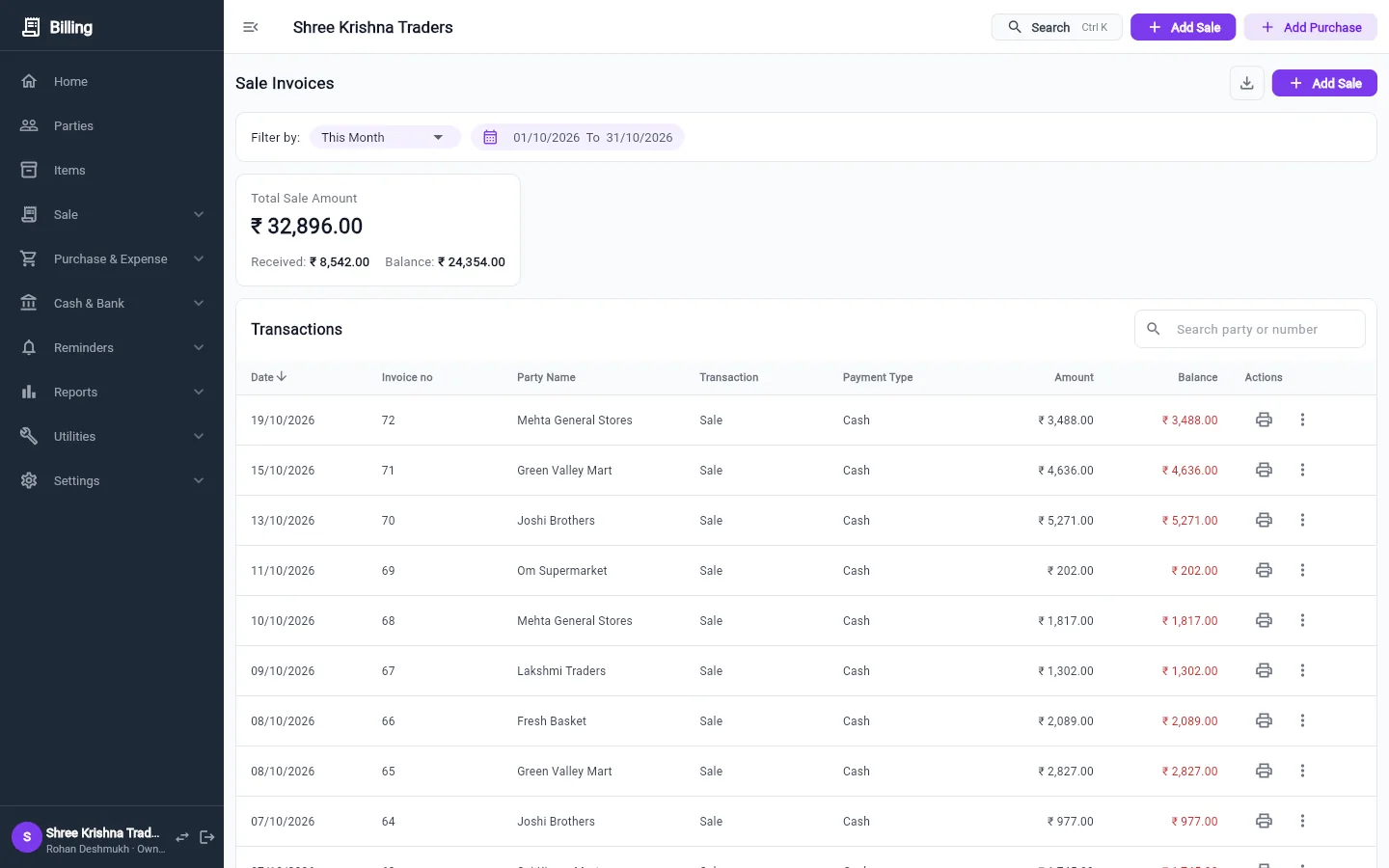
Made for the counter PC
The same app, installed on Windows — faster to open, keeps billing offline, and has the Tally connector built in.
- POS bills saved without internet, sent when you are back online
- Prints straight to network receipt printers
- Optional start with Windows for a dedicated counter
- Tally connector built in — no separate download needed
Windows 10 or 11, 64-bit. If Windows SmartScreen warns, choose More info › Run anyway.
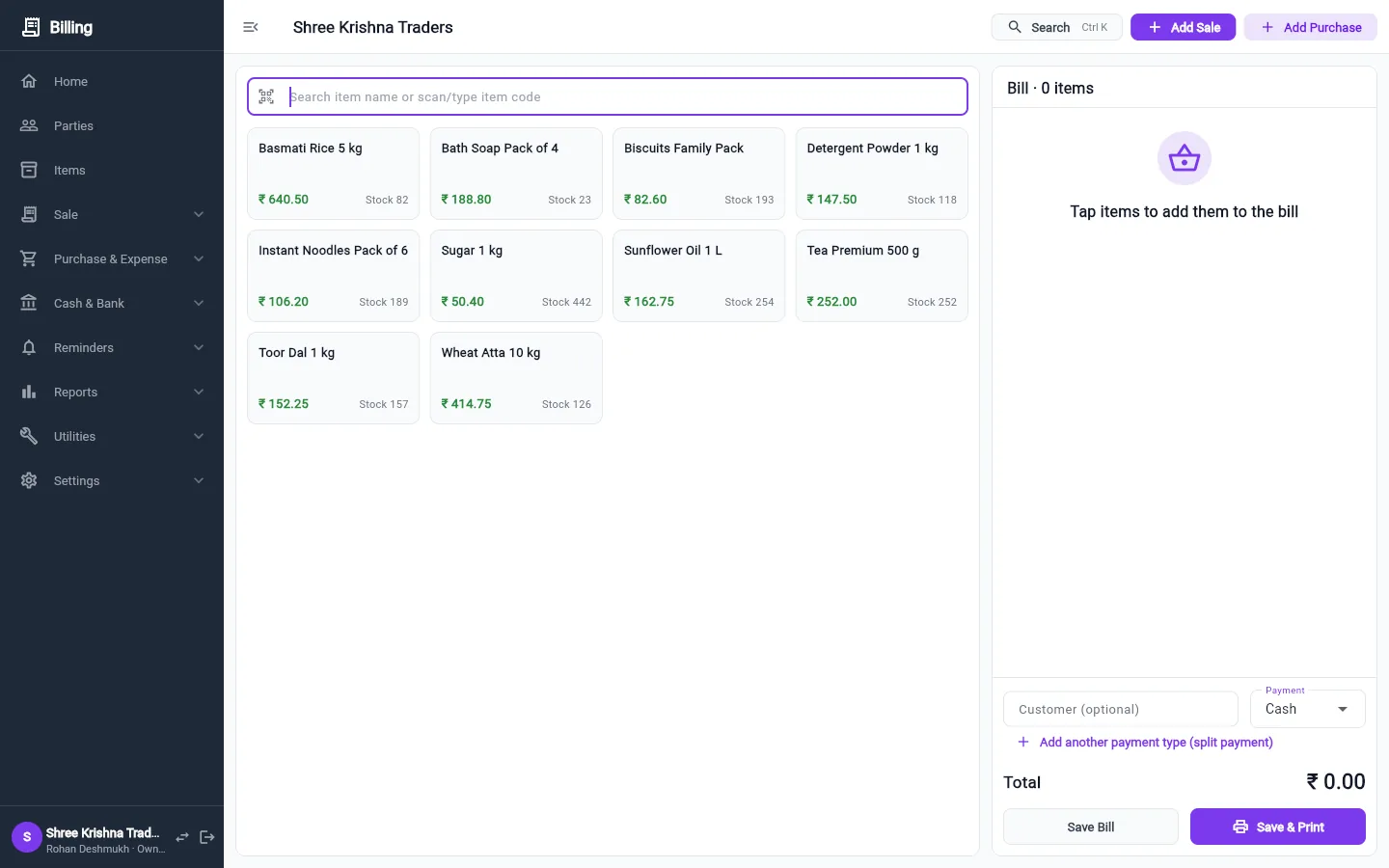
Your business in your pocket
Make a bill at the customer's door, check stock from the warehouse, and see today's sales from anywhere.
Android
Billing, POS, parties, stock and reports on Android phones and tablets. Keeps POS billing going offline.
Download APKiPhone & iPad Coming soon
The iOS app is on its way to the App Store. Until then, open the web app in Safari — and add it to your home screen.
App Store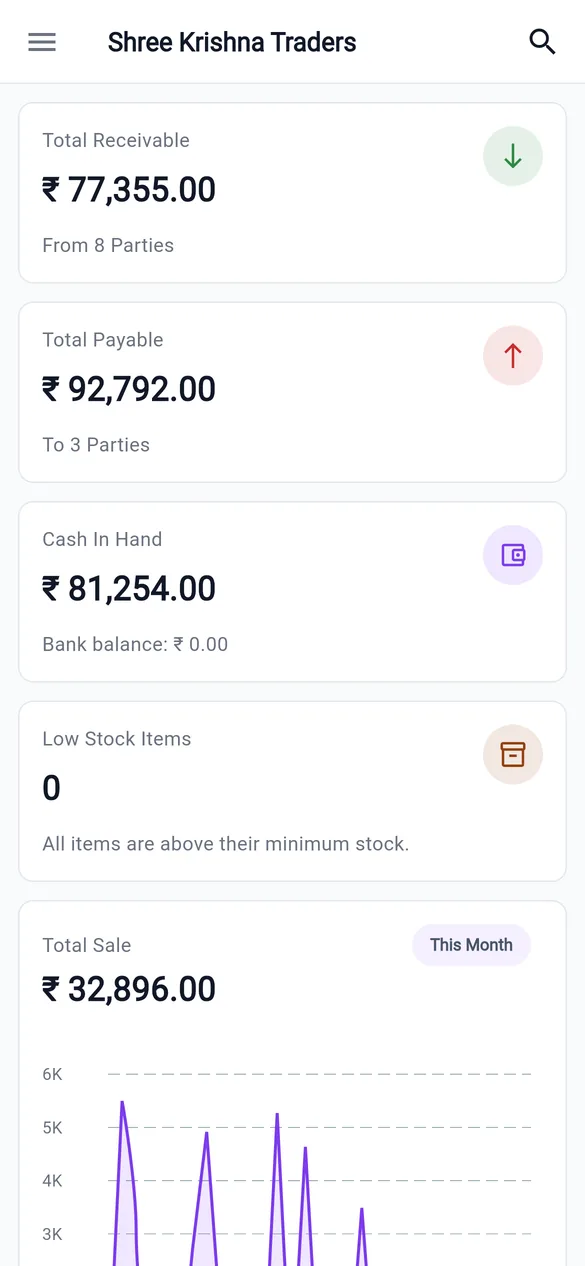
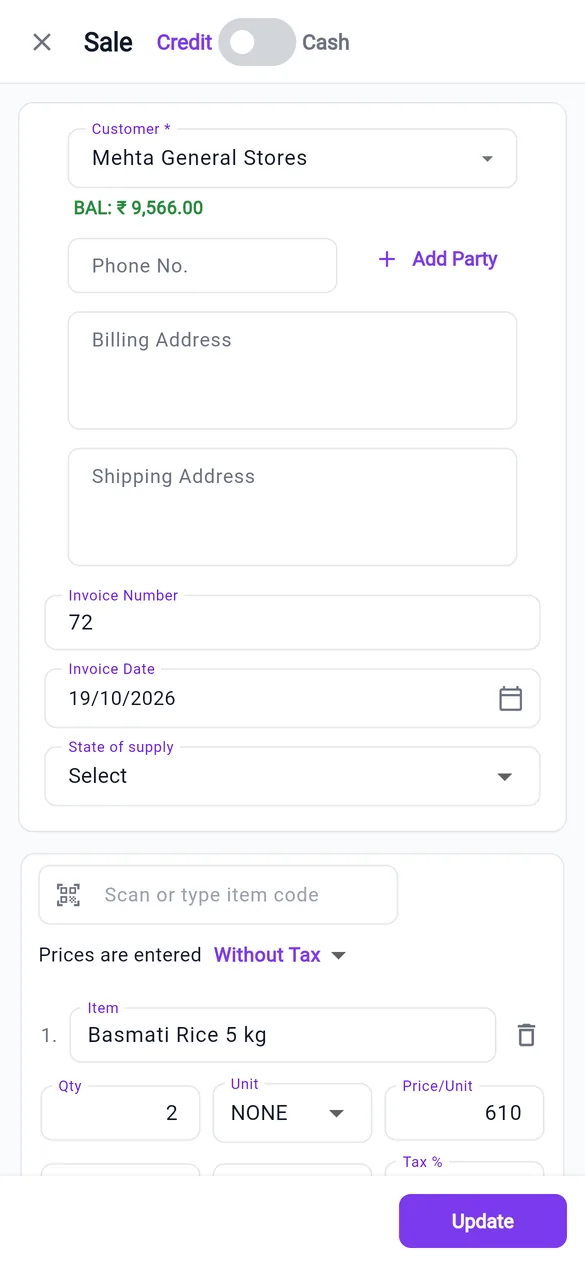
Connect TallyPrime
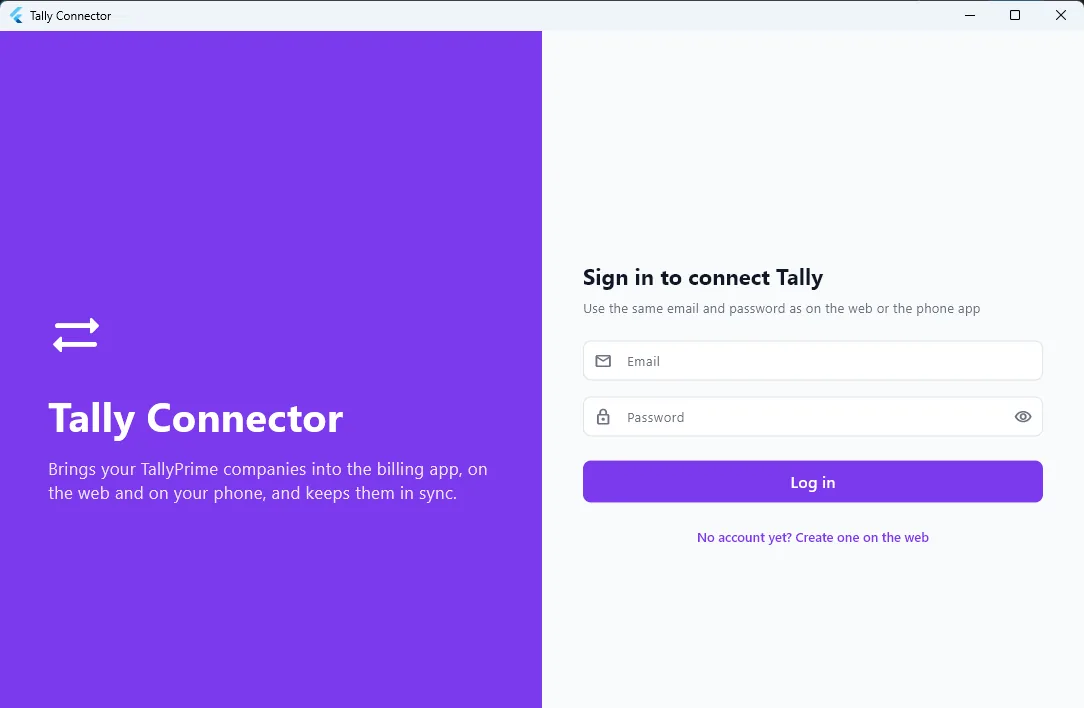
A small Windows program for the PC where TallyPrime runs. It brings each Tally company into the app and keeps it in sync — no need for the Windows app.
- Sign in, follow the on-screen steps, done
- Syncs every few minutes, or once a day at a time you choose
- Sales, purchases, payments and expenses made in the app go into Tally
- Balances checked against Tally after every sync
Not sure which one you need?
Start with the web app — you can add the others any time with the same login.